Note: Originally published at 6:00 a.m. Pacific Time (UTC-7) on October 28, 2025.
Get ready to embark on the latest Tyrian escapade—Guild Wars 2®: Visions of Eternity™ launches at approximately 9:00 a.m. Pacific Time (UTC-7)! Explore a new land, forge new legendary weapons and equipment, and master new abilities as you chase the Inquest and attempt to put a stop to their latest scheming.
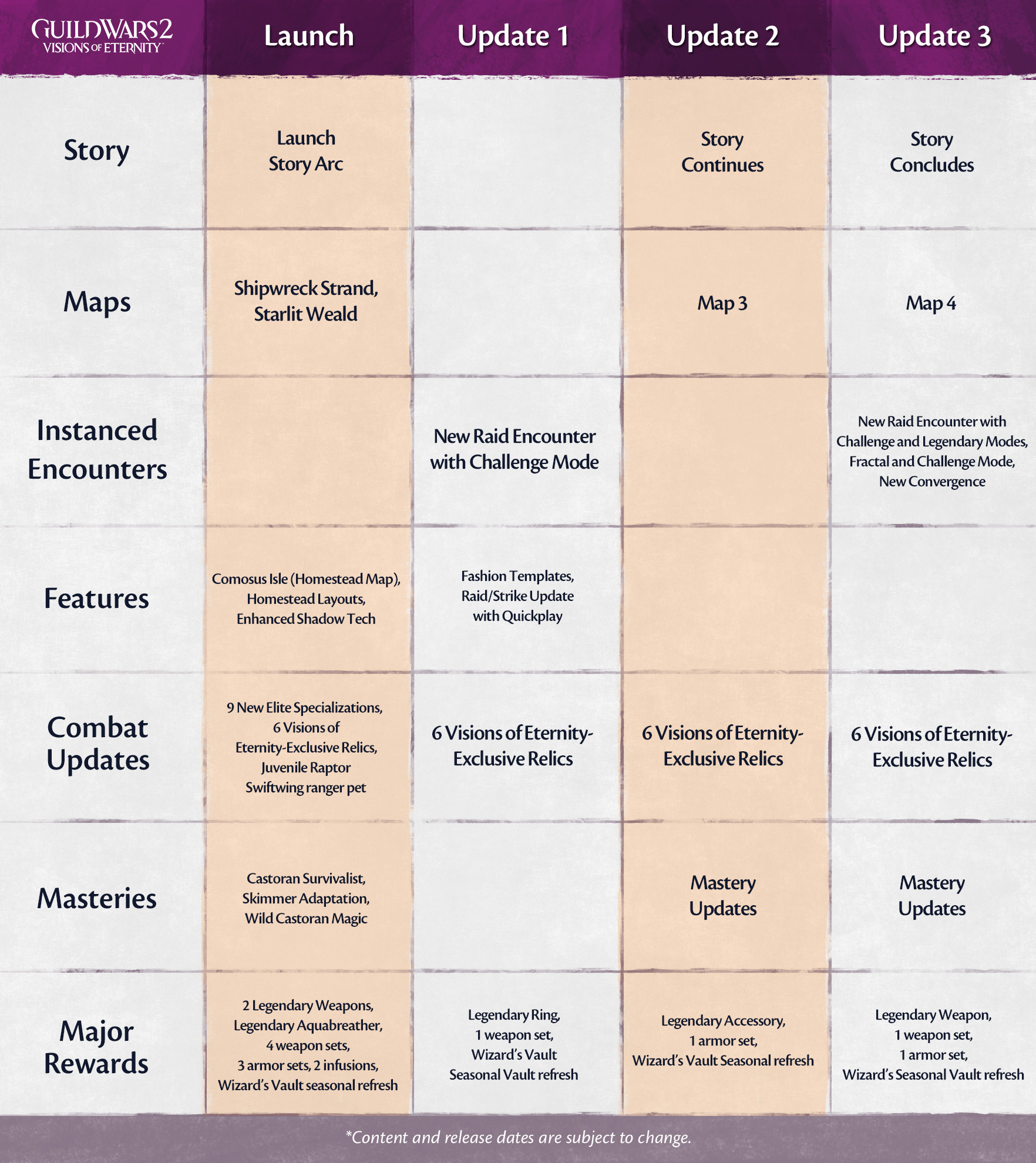
The adventure of Guild Wars 2: Visions of Eternity will unfold over the course of four major releases, beginning today with launch content and continuing quarterly into 2026. Today you’ll be able to play with new elite specializations, master new skimmer abilities, unlock a magical new island map for your homestead, use homestead layouts to save and share your decoration placements, and start earning new rewards (including a Wizard’s Vault refresh) as the launch story leads you on a chase through two zones in the magical wilds of Castora.
Today’s update also features a graphical update to our shadows that should make the world feel more immersive. We’ve also added ten new hairstyle options (two for each race) to the character creator, Self-Style Hair Kits, and Total Makeover Kits. The next major update scheduled for early next year will focus on the merging of raids and Strike Missions into a single system, including a new raid encounter that will test your battle prowess. At the same time, fashion templates will make their big debut, introducing a new way to swap attire between fights. Slaying has never looked this good!
If the few short hours until launch are too long to wait, we’ve recently shared some previews that may help tide you over! Start planning for the legendary journey that awaits you with this video preview of the new legendary aquabreather, Selachimorpha, and a new legendary weapon, the Aetheric Anchor, that unlocks both a spear (Bellum) form and a staff (Pax) form!
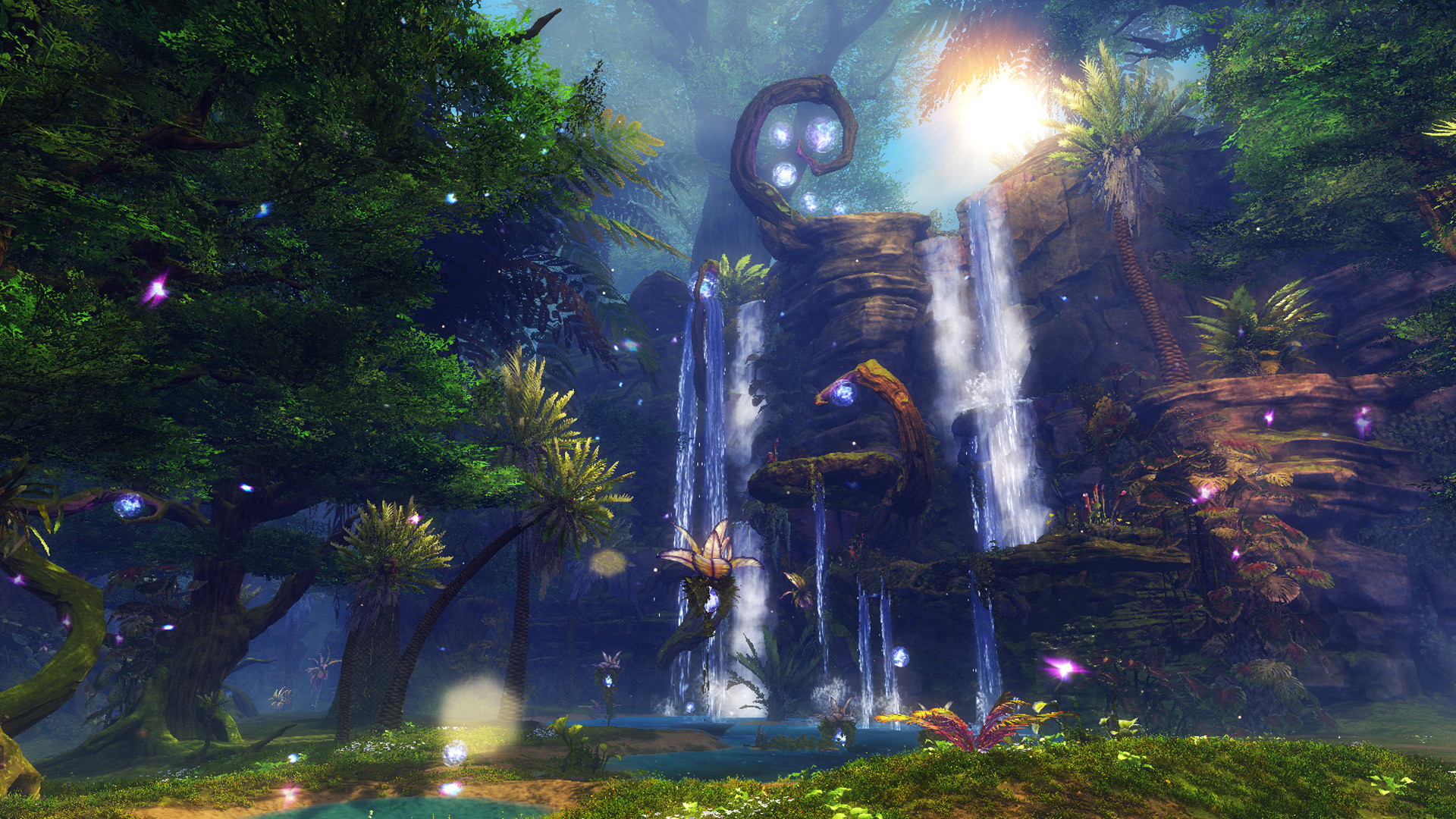
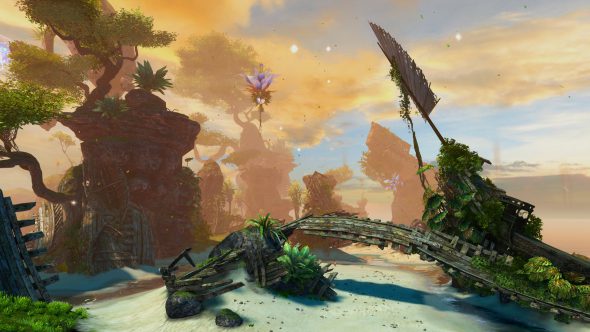
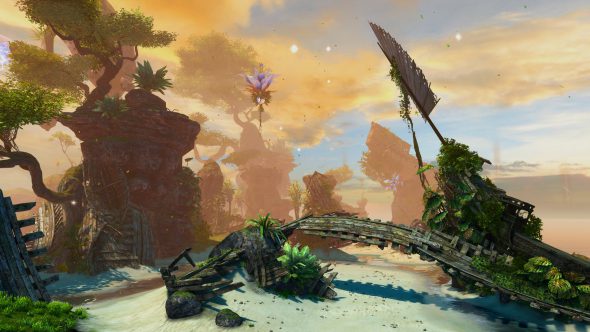
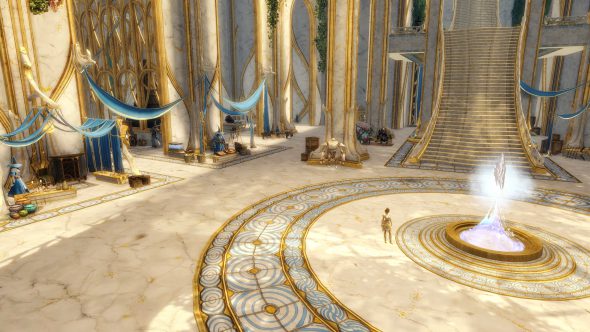
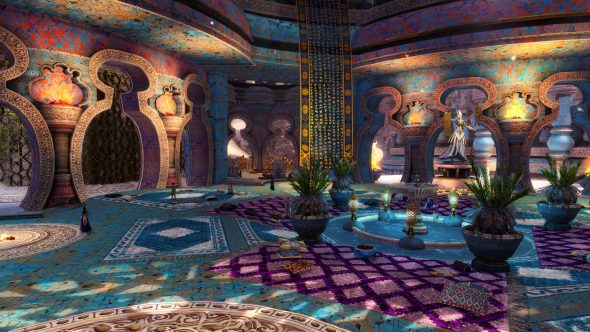
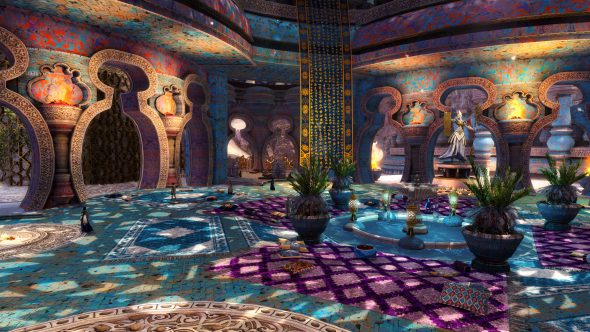
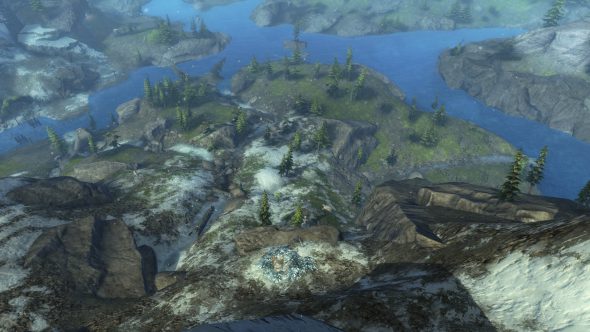
Or whet your appetite for travel with these previews of the two new open-world maps that will be available on release today.
Earn Twitch Drops
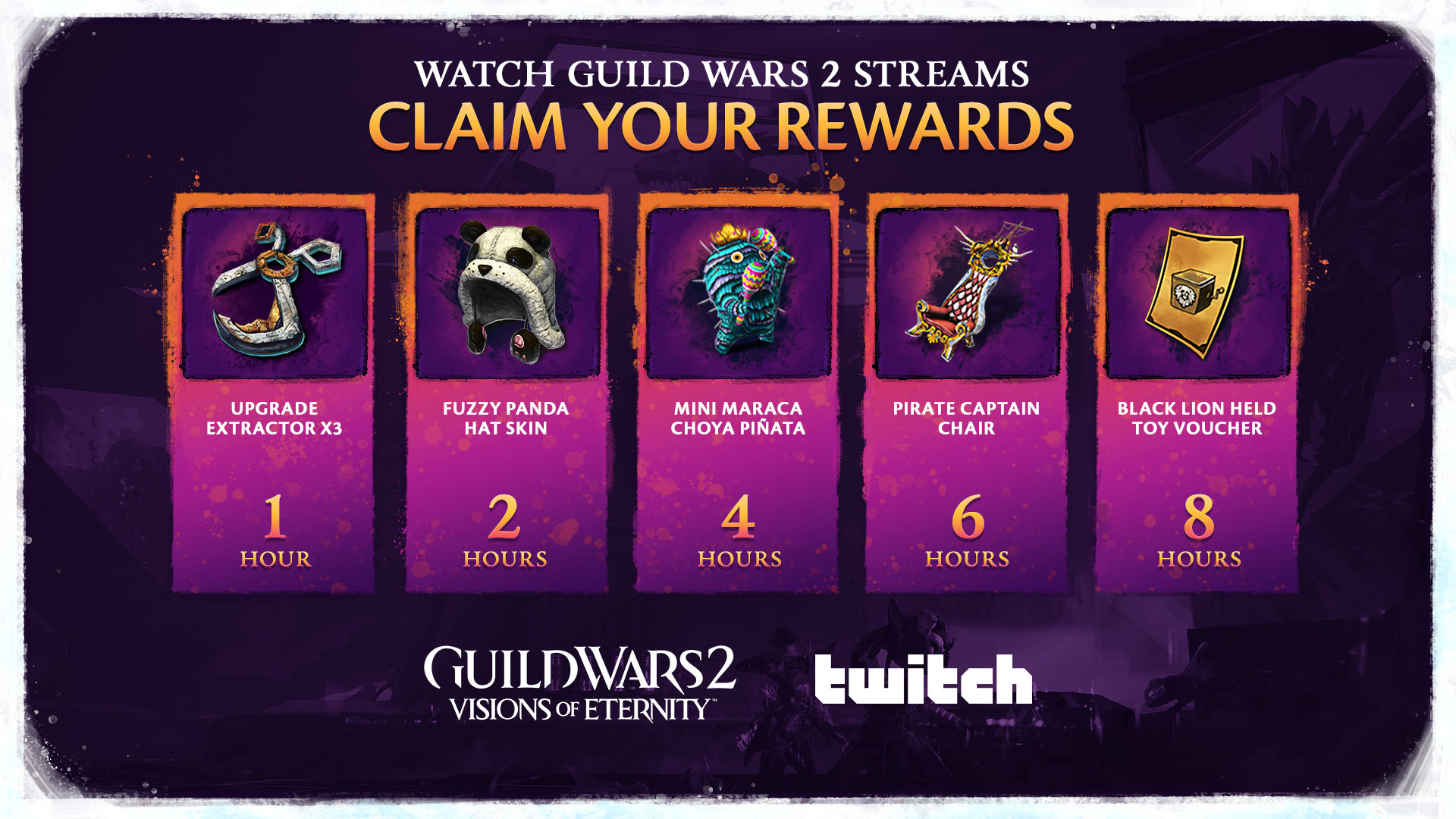
Celebrate the expansion with Twitch Drops, available from today at 9:00 a.m. until November 2 at 11:59 pm Pacific Time (UTC-8). Go to any Twitch channel streaming Guild Wars 2 content and watch for a total of eight hours before the campaign ends to earn fun rewards, including the Pirate Captain’s Chair! Learn more about Twitch Drops and how to connect your account here.
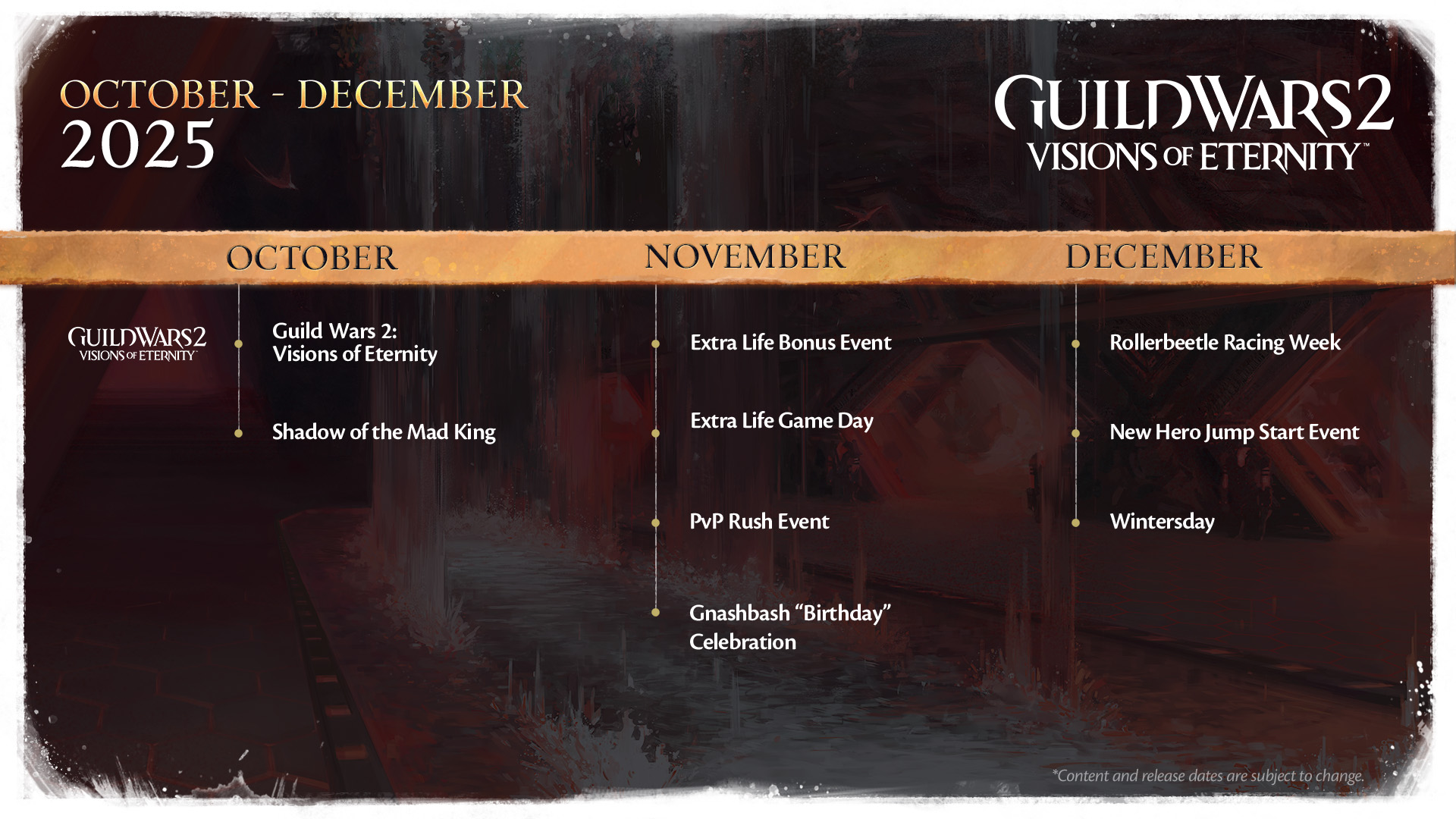
A Festive Season
In addition to today’s expansion content, the next few months are full of festivals and bonus events:
Until November 4:Halloween is in full swing in Tyria and will be available for just one more week!
We’re so excited to release Guild Wars 2: Visions of Eternity into the wild and for you to get to play it. We make this game for you, and we hope you enjoy the newest adventure.
Our new expansion, Guild Wars 2®: Visions of Eternity™, is landing tomorrow! Today, we’re showing a preview of what’s to come; join us and get inspired for your upcoming journey.
Visions of Eternity Launch Supply Drop Requisition
Embark on the voyage of a lifetime into the unknown land of Castora! This supply drop will enhance your adventure, Wayfinder. When you purchase the Visions of Eternity Launch Supply Drop Requisition, the Black Lion Trading Company will send you a package of valuable items each week. The first supply drop will arrive as soon as you’ve purchased a requisition, and the others will be delivered on the three following Tuesdays.
This week, the Visions of Eternity Launch Supply Drop Requisition is available at the discounted price of 2,400 gems. The discount decreases each week, so pick up yours now for the best price—and get your first shipment of items today! (Limited to one purchase per account. Purchases made after week one will include items from the previous weeks in the first delivery.)
Week One:
Visions of Eternity Contract Board
Vibrant Companions Mount Select License
2 Heroic Boosters
Week Two:
Black Lion Outfit Voucher
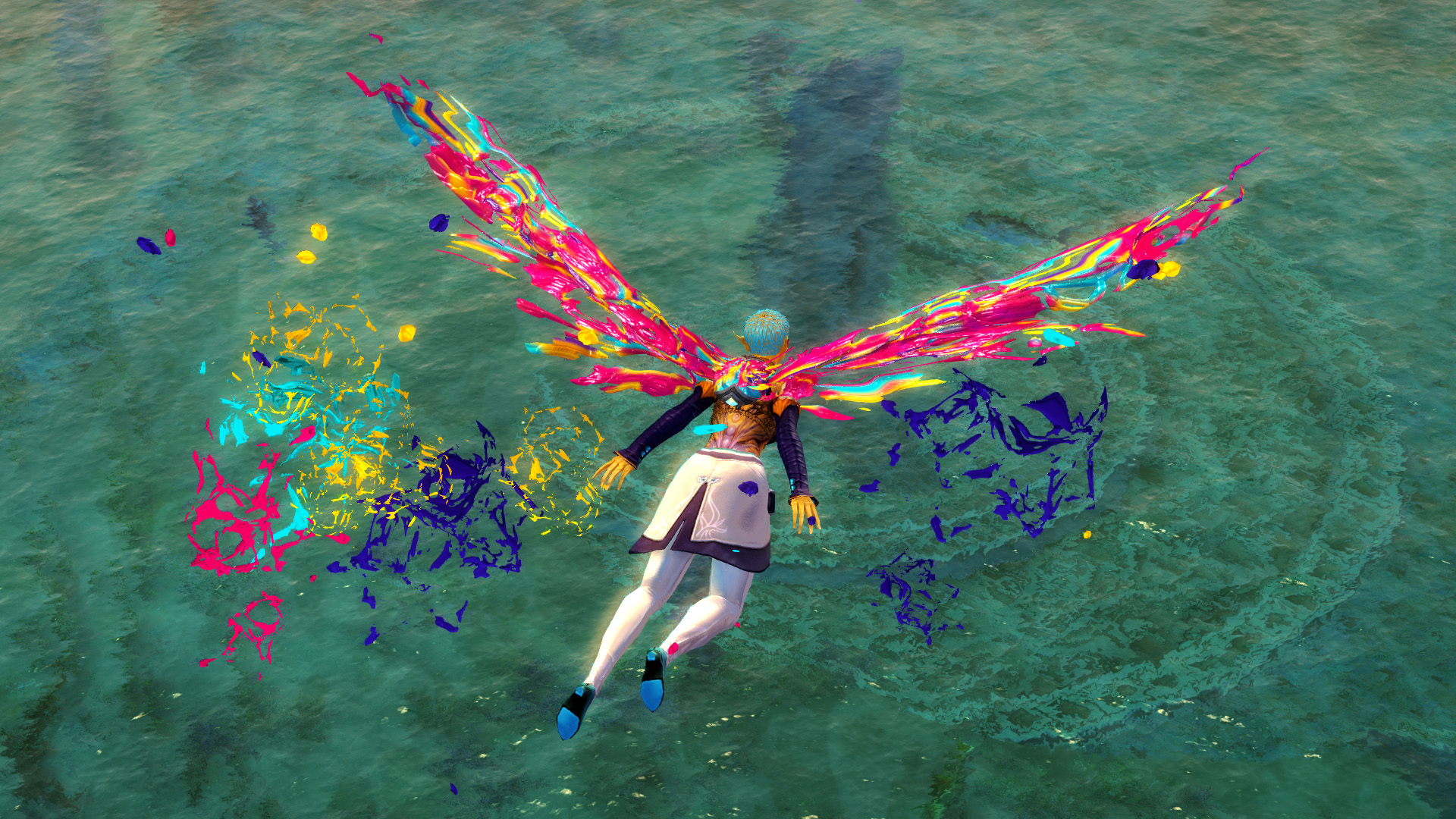
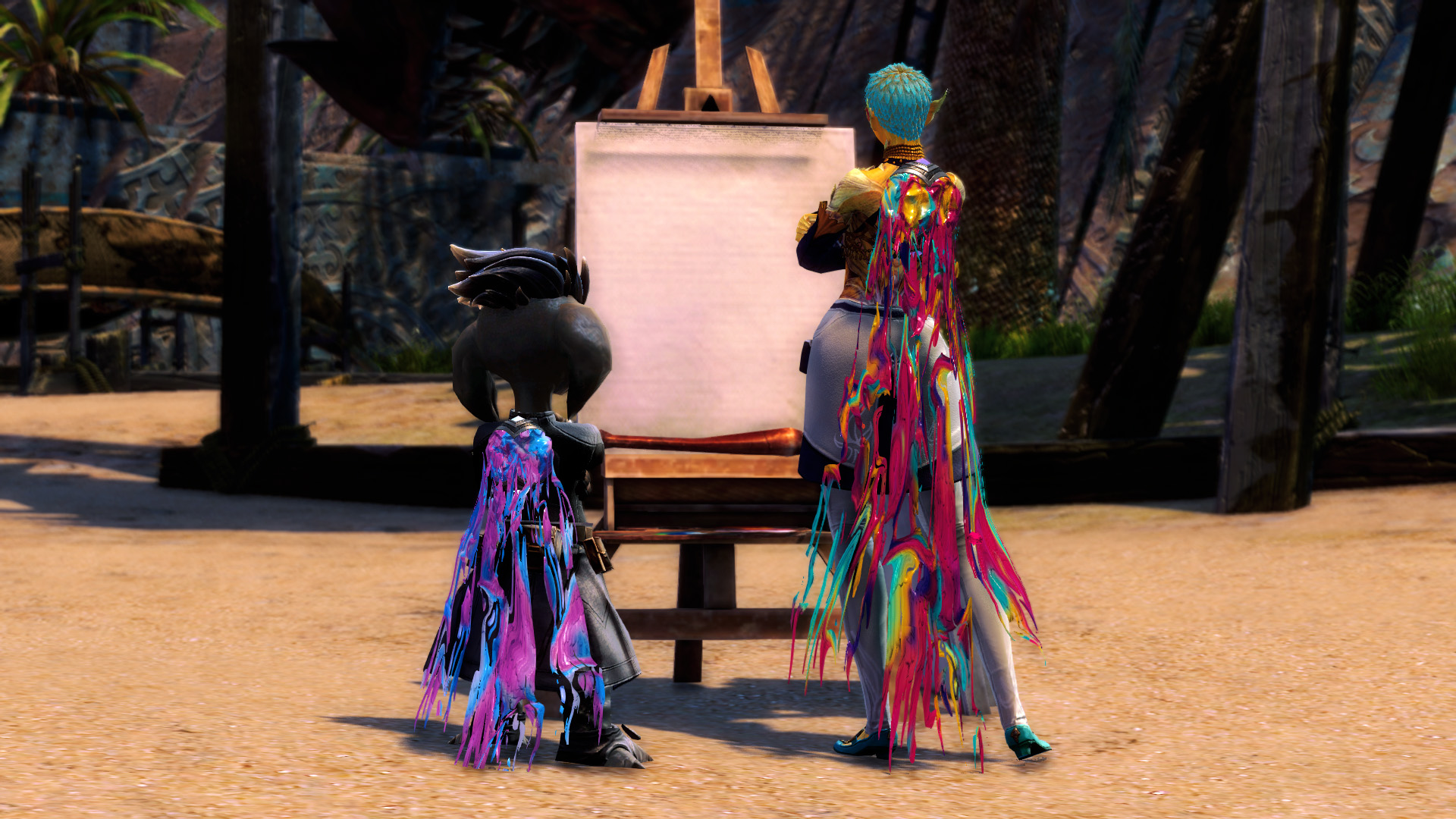
Painter’s Brilliance Backpack and Glider Combo
Equipment Template Expansion
Week Three:
Elite Weapons Voucher
3 Monstrous Dye Kits
2 Communal Boost Bonfires
Week Four:
Calligrapher’s Weapon Choice
5 Black Lion Chest Keys
Golden Black Lion Chest Key
Vibrant Companions Mount Collection
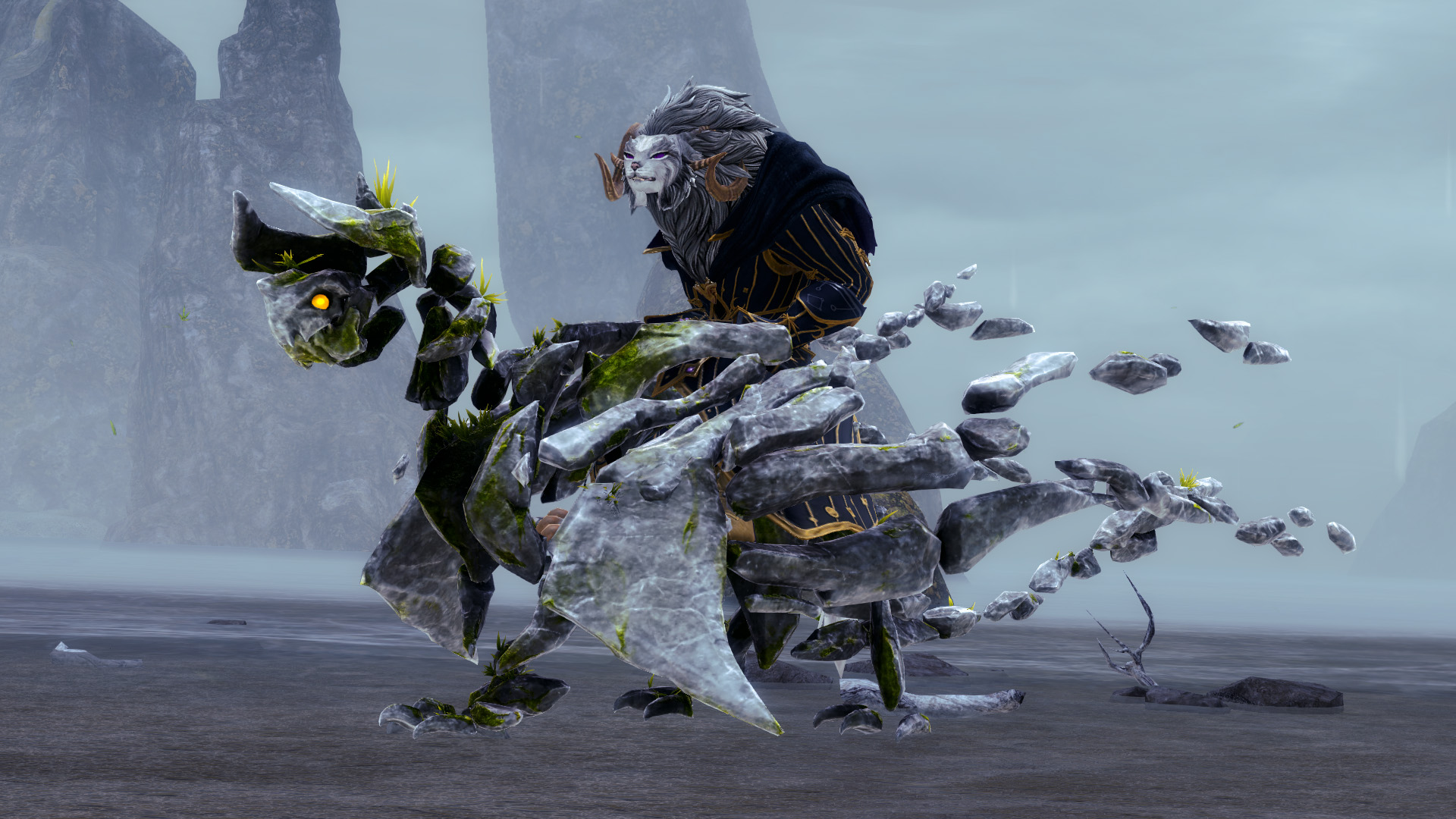
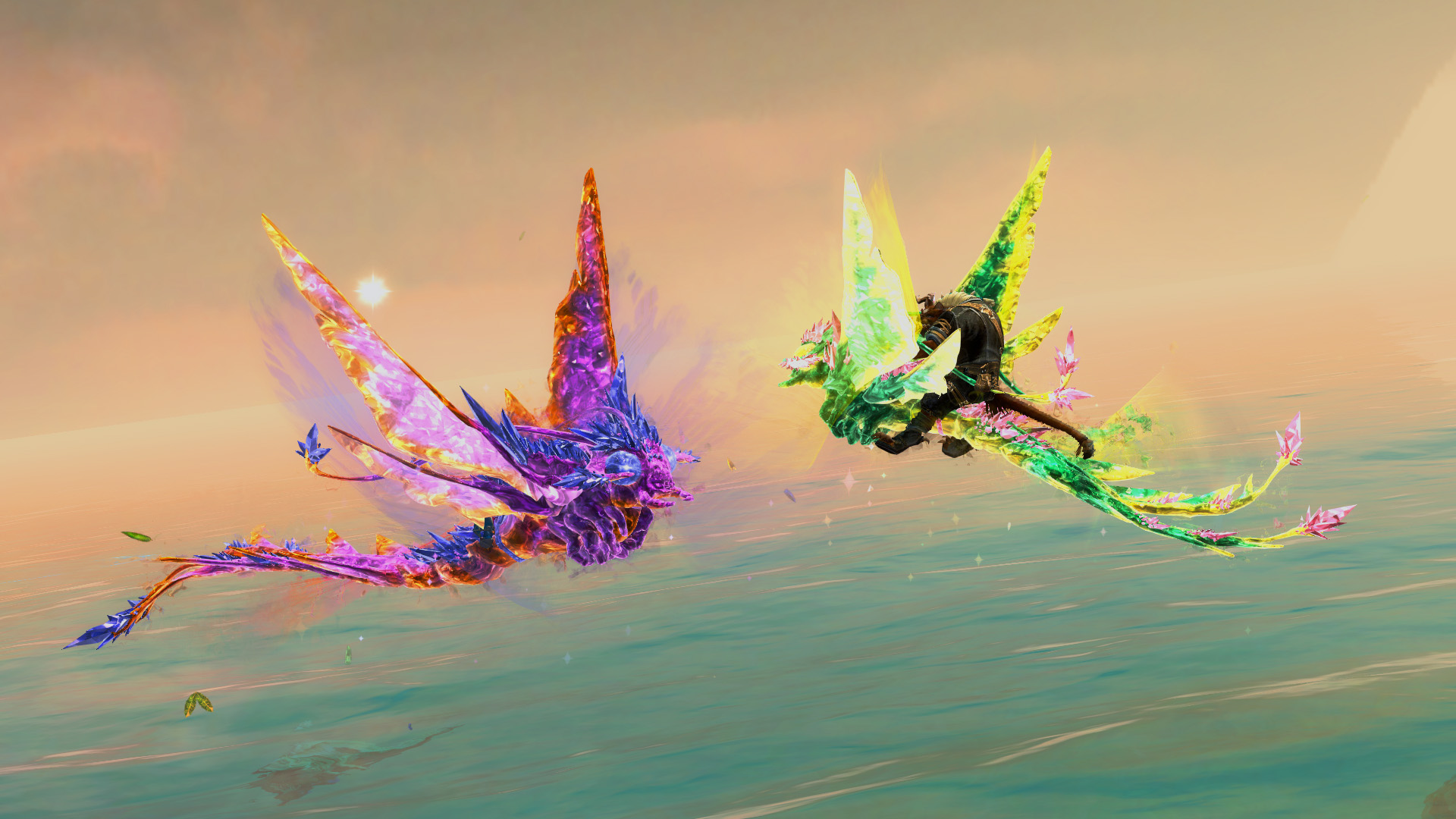
The colorful beauty of Castora is infused into our new selection of fifteen fantastical mounts! These skins are available exclusively through Vibrant Companions Mount Adoption Select Licenses for 1,200 gems and Vibrant Companions Mount Adoption Licenses for 400 gems.
Inside each chest, you’re guaranteed to find a redeemable Black Lion Statuette, a bonus redeemable Black Lion Statuette, and two common items. You also have a chance to find something rarer in the fifth slot, including special items, glyphs, and skins from the Abyss Stalker Weapon Collection and the Snow Garden Weapon Collection.
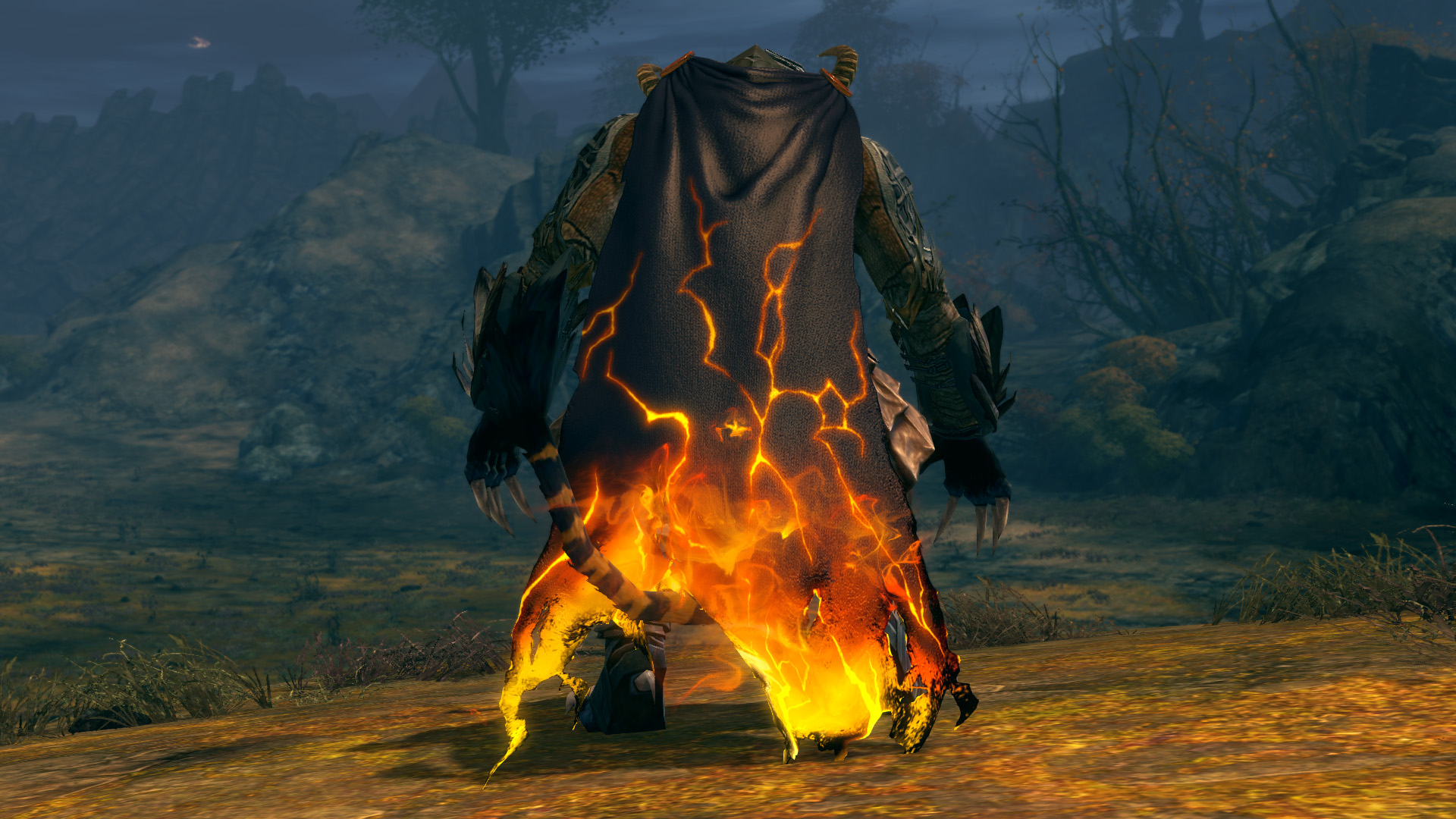
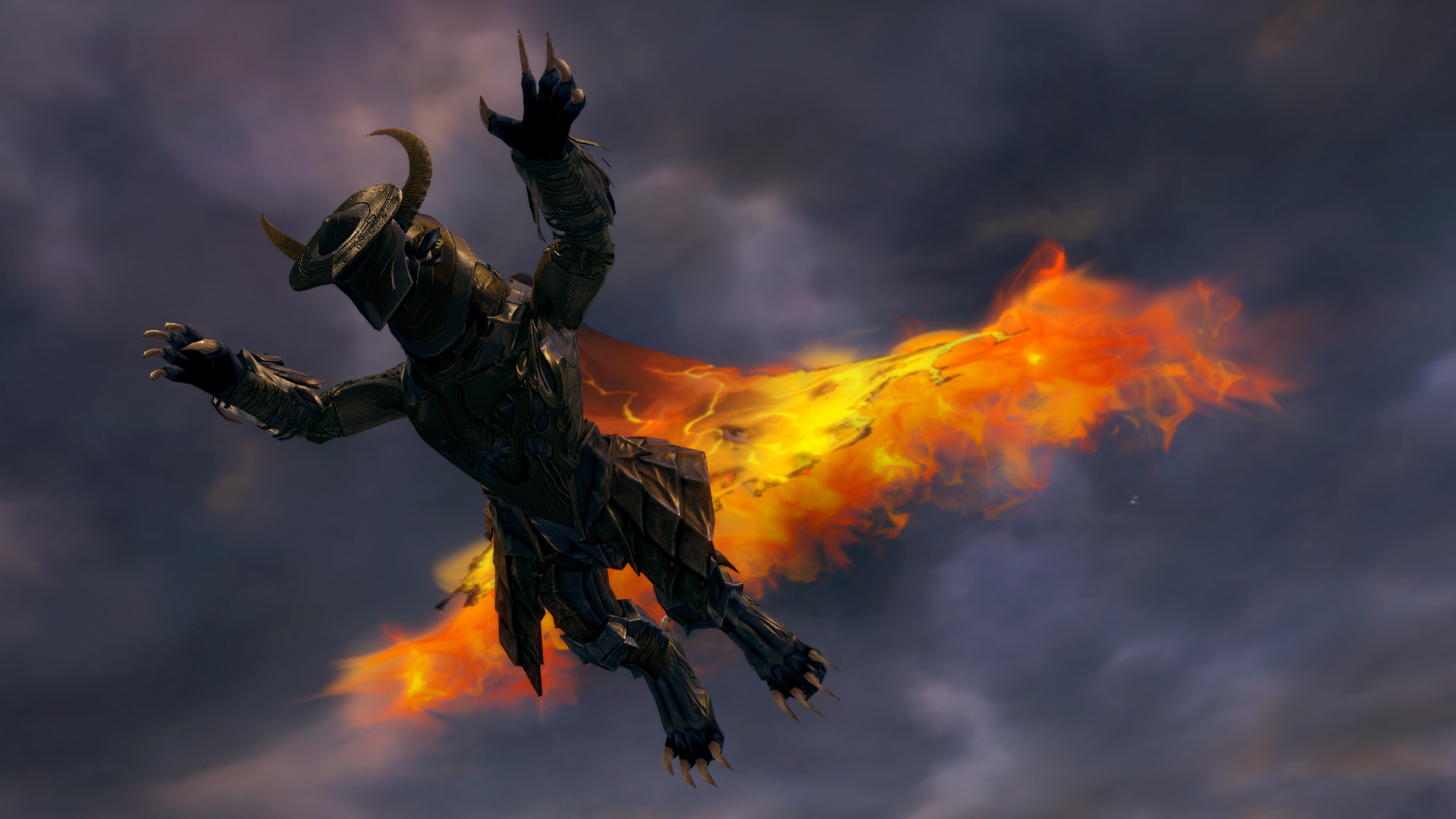
Exclusive Item: Blazing Cape and Glider Combo
Light a path of fiery adventure through every corner and horizon you explore. Be it on land or up above in the sky, you’ll leave a trail of jubilant flames. The Blazing Cape and Glider Combo is a new, exclusive drop from Black Lion Chests.
What’s in Stock
Another great shuffling of items for the season is coming! On Friday, October 31, our stock of chairs will be 20% off until November 14. Check out some of our favorites: Dark Wing Throne, Great Lodge Chair, Volcanic Throne, Street Noodles Chair, Quiet Woods Chair, and Super Adventure Box Chair.
Returning This Week
Don’t miss a thing while exploring our new expansion! Keep your essential items accessible to all your characters as you arrive at the shores of this spectacular adventure. From today until November 4, Shared Inventory Slots are available at a 20% discount.
Available Now in the Gem Store!
Log into Guild Wars 2 and press ‘O’ to access the Black Lion Trading Company for these great offers and more!
When Guild Wars 2®: Visions of Eternity™ launches next week on October 28, we’re shipping new shadow technology that will allow us to make some graphical enhancements to the game!
Shadows do a lot to make a game world feel believable beyond just obscuring light. Our mind takes cues from shadows to help understand depth, shape, distance and motion. Without them, a 3D world can look flat or disconnected.
Note: This post dives deep into the technical details—the best kind of details. So, if you’re just here for a look at the before-and-after visuals, scroll to the end, but if you’re curious about lighting and shadow systems, read on!
Shadowy Goals
Since the launch of Guild Wars 2, graphics hardware has advanced, which affords us an opportunity to improve the rendering in the game. One of the areas we targeted was our shadow system. All our improvements have two major goals in mind:
Cover more of the screen. We’d like to see more distant parts of the world rendered with high-quality dynamic shadows.
Increased detail. We want to see crisper edges and more details—especially small ones—in our shadows.
At the same time, we want to make sure that players with less powerful systems can still have a smooth experience, so we are limiting ourselves to changing only the medium, high, and ultra settings, leaving the rest unchanged.
Background in Shadows
Our dynamic shadows are created using a technique called cascaded shadow maps. This means we draw a view from the main light multiple times and store the distance from the light to each pixel into an image called a shadow map.
When drawing the main view, we compare the distance of each pixel to the light with the distance from the light in the shadow map. If the pixel is farther away, it is in shadow; otherwise, it has light shining on it. The view from the light is warped when projected onto the main view, so our ability to compare pixel distances is not perfect. The “cascaded” part of “cascaded shadow maps” means that we make multiple shadow maps to cover different places on the screen, reducing the warping of each individual map.
Increased Resolution
The obvious way to increase detail is to simply increase the number of pixels in the shadow maps. Implementing this took some careful refactoring because some other parts of the engine made assumptions about what resolution the shadow maps should be.
We are increasing the shadow map resolution from 512×512 to 1024×1024 on medium settings, and from 1024×1024 to 2048×2048 on high and ultra settings. Once we saw how much better it looked, we recognized the opportunity to improve it even further.
Better Cascade Calculations
Cascade placement and size are very important for getting nice shadows and is one of the biggest changes we’ve made. Our original implementation placed one or two fixed-size circles in the world depending on your graphics settings. This has nice properties like intuitive parameters to tweak how much of the world would be covered by dynamic shadows, and it does a good job of covering the center of the screen, where a player is looking most of the time.
With the addition of flying mounts and more extreme—and awesome—terrain shapes, the algorithm was starting to show some cracks. The new algorithm now covers more of the screen by dynamically changing how much of the world is covered by a shadow map. The move from fixed size in world space to variable size required careful placement and sizing to ensure the shadows stayed stable when the camera moved, but after nailing those details down, a significantly larger portion of the screen can have dynamic shadows.
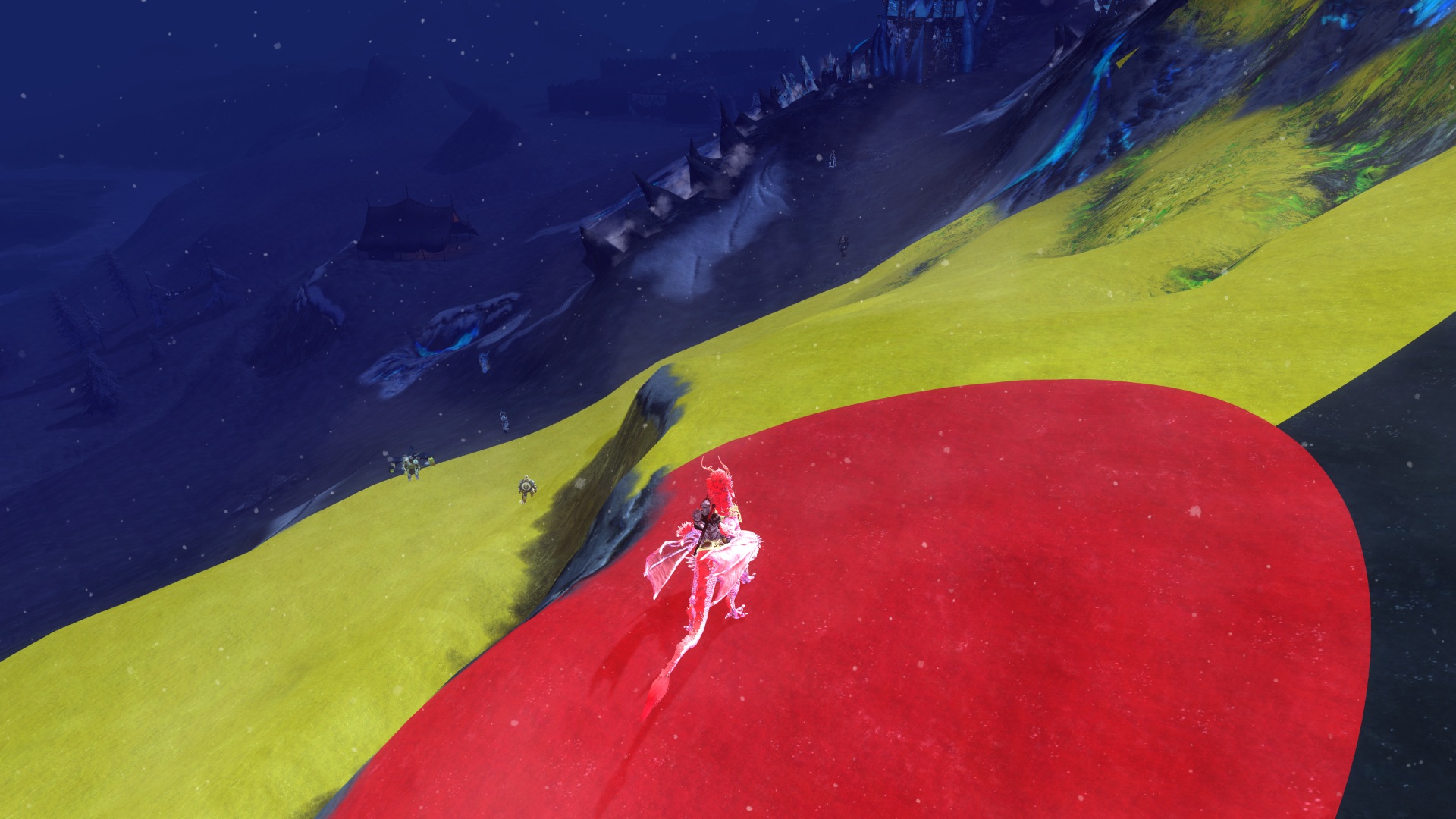
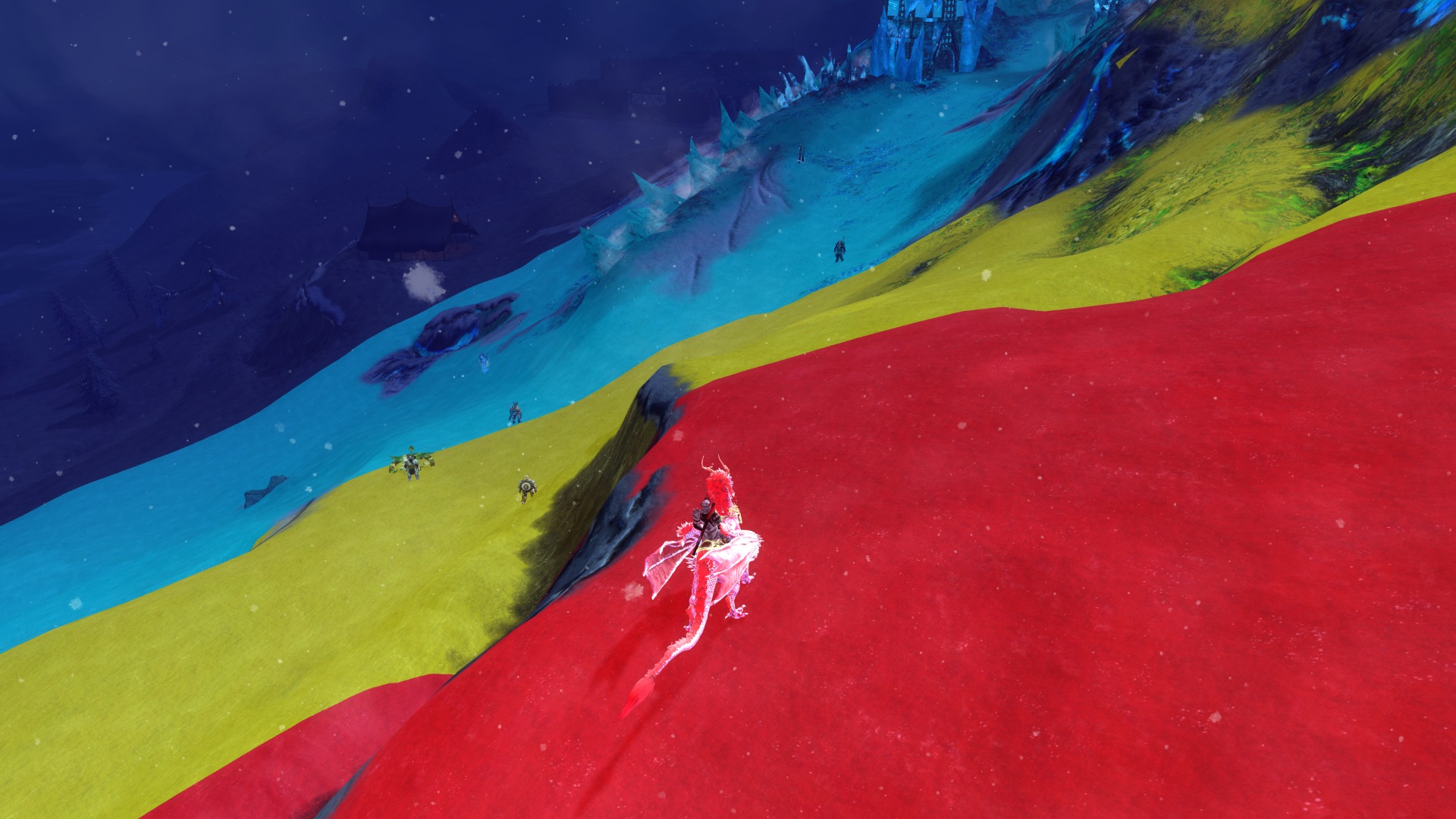
The images below are a development view showing how much of the screen the old and new algorithms covered with dynamic shadows. Red is the most detailed shadow map that covers less of the world and is closest to the camera. Yellow is less detailed, covers more of the world, and is farther away from the camera. Cyan is the least detailed and covers even more of the world, but it is farthest away from the camera. The dark areas with no color overlay are not covered by a shadow map and so have no dynamic shadows.
Notice how the new algorithm covers more with dynamic shadows, covers the area on the right side that the old algorithm missed, and covers more with the highest-detail shadow map. All these improvements mean we get more detailed shadows that extend farther from the character in the world.
Above: Old shadow map coverage. Below: New shadow map coverage.
There will soon be two shadow maps on medium or high settings, and three on the ultra setting. This compares to one and two respectively with the old algorithm.
More Sophisticated Sampling
The shadow maps do not correlate evenly to each pixel on the screen. This means there is sample aliasing we must address, so without extra processing the edges of the shadow maps will appear jagged and unpleasant. To mitigate this, we sample shadow map pixels in the neighboring areas and interpolate between them. This smooths out the jagged edges and ensures the outlines of smaller details, such as fine lines, are much more pleasing to look at.
We have improved the sampling technique by using a technique known as Poisson disc sampling to get more out of each sample compared to before, when we sampled using a grid. Additionally these samples are now weighted using a Gaussian distribution to place more emphasis on points closer to the point in the shadow map that is being smoothed. This looks better than if all of the samples were weighted evenly.
Screen Space Shadows
Some details are just too small to be visible in a shadow map—meaning they don’t get shadows even with increased shadow map resolution. We now use a technique called screen space shadows to provide shadows for these details. The depth buffer of the current frame is used to execute a form of ray marching in screen space, which is kind of like ray tracing, but more constrained. This allows us to capture fine details on things like grass, small architectural details, and hero equipment to help them feel less flat.
Since we only have the depth buffer, there are limitations to the technique, and as a result, there are occasional inconsistencies. We worked closely with the art team to fine-tune the parameters to balance quality against visual artifacts. We also provided an option in the graphics settings that allows the feature to be toggled on or off. Screen space shadows are available on high and ultra settings.
Take a look at some more examples of this tech in action in the comparison screenshots below. You can enlarge the images with the button in the corner and if you move the slider all the way to the left you’ll see the new shadows! We hope these improvements enhance your experience while you explore the world of Tyria!
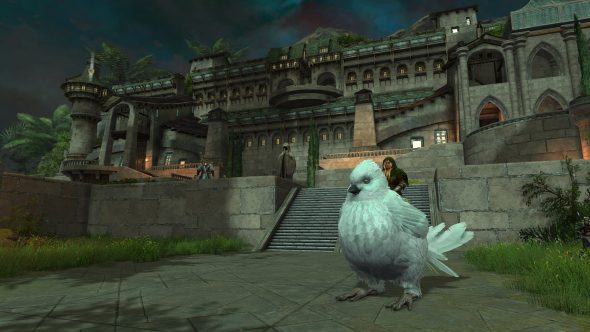
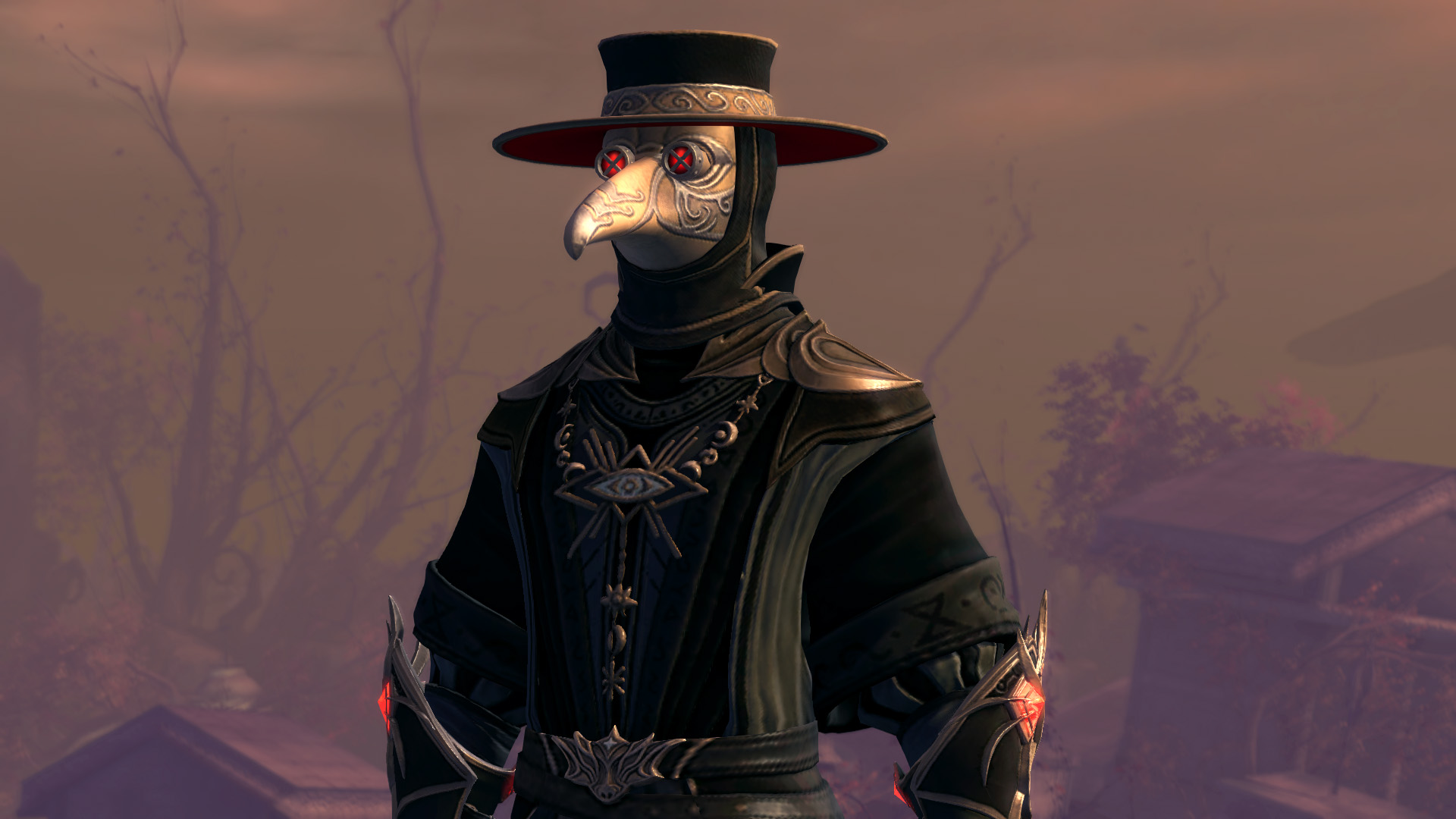
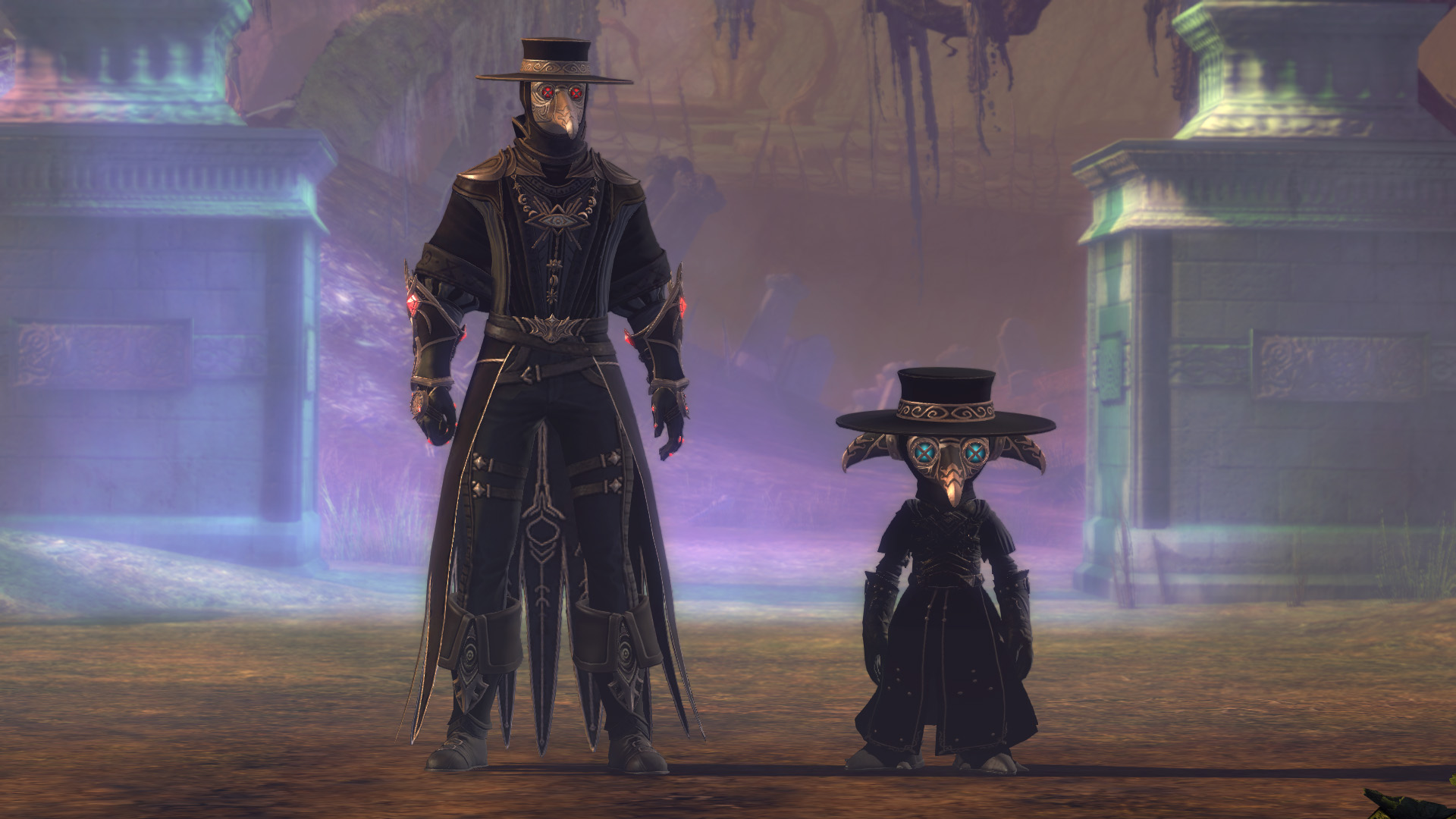
Dress up as a symbol of death from ancient times. The old practitioners of the medical arts carried the dead across waters infested by Zhaitan’s undead stench. It is said the beaks on these intricate masks smell of a lovely fragrance, a stark contrast to their ill-fated presence. The Vigilant Physician’s Mask Skin is available for 400 gems.
What’s in Stock
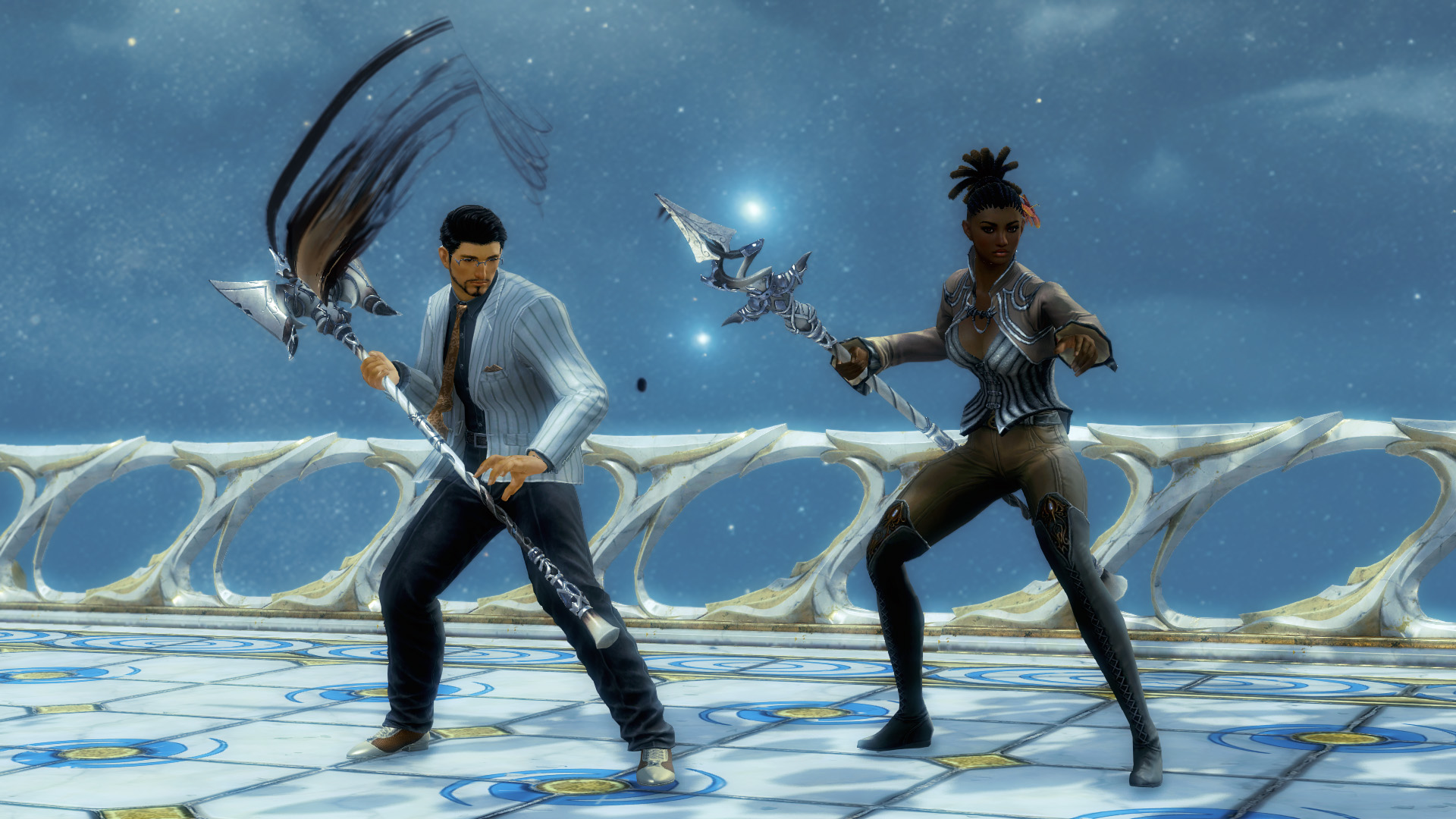
On Friday, October 24, we’re restocking our shelves with amazing goodies! Many incredible, unique weapon skins will be 20% off until November 7. Commander, make sure to check out some of our best: the Stoneshard Scepter Skin, Bone Dragon Staff Skin, Synergetics Energized Shield Skin, Devil-Rending Dagger Skin, Voidflame Assassin Dagger Skin, Gilded Stratus Longbow Skin, and Etched Porcelain Greatsword Skin.
Returning This Week
This week’s discounts are ready for you! Grab them before they’re gone. From today until October 28, Bank Tab Expansions and all permanent lounge passes are available at a 20% discount.
Available Now in the Gem Store!
Log into Guild Wars 2 and press ‘O’ to access the Black Lion Trading Company for these great offers and more!
Hello! My name is Robert Neckorcuk, Platform Team Lead at ArenaNet, and today I get to be the mouthpiece for a large, multidisciplinary effort that managed the Guild Wars 2®: Visions of Eternity™ elite specialization beta event through its release, subsequent issues, and eventual fix. Beta events have usually been affairs where the development teams seek feedback on new features, skills, and systems—but as we were all reminded recently, these betas are also the first live trial of new technologies that are used to produce new features, skills, and systems. This post will recap the rocky start to this beta event and provide a behind-the-curtain look at how our team approached and overcame those challenges with help from all of you!
I want to start with a special shout-out to all of you in the community—we recognize this was not an ideal situation, from the original game issues to us requiring your aid in gathering more data when we’d purposefully enabled a known crash-inducing event. Through it all, we saw many messages of kindness, understanding, and support. On behalf of our whole team, our words cannot express our gratitude as we struggled to solve this issue. Thank you all.
The “Alpha” Beta
On Wednesday, August 20, at exactly 9:17 a.m. Pacific Time (UTC-7), the beta event weekend showcasing the new elite specializations for our sixth expansion, Guild Wars 2: Visions of Eternity, began. This was not a great start, as the beta was supposed to begin at 9:00 a.m.! We simply messed up a time-zone conversion, and the starting time was off by an hour. Fortunately, we were able to modify some configuration files and get the beta event started before 10:00 a.m.!
We never plan to ship bugs, but we do make plans and have systems in place that allow us to quickly react when issues do arise. Soon after the release, three issues were identified that we knew we wanted to correct as soon as possible. One of these we were able to simply disable with configuration files. A second issue, unrelated to the beta event, could be fixed by deploying a change to one of our backend servers. The third would require a same-day game build. By 2:00 p.m., all three issues had been handled, and we were looking forward to kicking back and joining in the beta fun. Shortly after this, our Community Manager, Rubi, messaged the group asking for a status update, as the game was on fire.
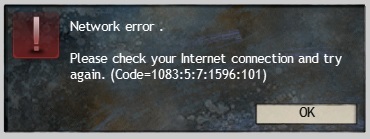
All around our remote offices, brows furrowed. We weren’t getting any crash reports and all of the graphs looked steady. Once we knew to start digging, however, we eventually hit paydirt. One of our client error reports was repeatedly showing a Code 1083. Cue the ominous music.
All Locked Up
Code 1083 is a very specific error code, referenced only once in our entire server codebase: “Waiting for Unlock.” In Guild Wars 2’s core server architecture, ‘locks’ are a component of how our map contexts are organized, as maps can be created on any server in our hosting fleet. The character-locking mechanism exists to ensure that there is only ever one map context that has authority to write data to your character record. A useful tool to mitigate exploits, but it is still used primarily for ensuring consistency of character and account data. Normally, when you enter a map, a pending lock is placed in the database for your character, showing the game server’s intent to take authority. A handoff occurs when there’s either no existing lock or an existing lock is released from a previous game server, and the pending lock is converted to the authority lock.
But we don’t always get to live in a perfect world—bugs happen and maps crash. As the developers, we want to gather as much debugging information about these events as we can. So when a map context does crash, we can actually take a quick pause during shutdown, gather relevant information, and email it back to the office to investigate and fix. During this flow, the game server knows that this map is crashing and can also tell the database to release any held locks.
At this point, we gathered our first real clue as to the cause of both our lack of operational visibility and the type of error we would need to chase down. As we were not receiving the reports of these crashes, we knew that entire “clean-up” code path was never getting triggered, meaning locks were not being released cleanly. The map context holding that lock no longer existed, so there was no entity to tell to release the lock. The final outcome was to simply expire the lock on a timer. After a while, with no update from the previous lock owner, we would release the lock and a character could once again connect to a map context that was able to acquire a new lock.
The long timer exists to cover a number of different infrastructure interruptions, and while we recognize it is painful for the player to be unable to log in, it is the lesser of two evils, as it ensures the integrity and consistency of our players’ data.
After discussion among the team and leadership, we believed this was a significant issue and that prematurely ending the beta event would be the correct course of action, providing players a better experience and allowing the team to investigate the source of the issue. With the knowledge that our application code was crashing and not triggering the collection and reporting flows, Occam’s razor suggested to us that we would be looking for a memory-corruption issue. This was confirmed later that evening using the operating-system logs.
Needle in a Stack of Needles
We started by breaking down the problem and trying to find the smallest scope where the issue could exist. While this would help prevent us from staring at millions and millions of lines of code, with the knowledge we had, the scope space couldn’t be narrowed too finely. We have nine new elite specializations, and we didn’t know which profession was the catalyst (pun intended) of the crash.
We ship code all the time, and although the beta event was in August, the very first code changes supporting these new specializations were submitted last year. On Thursday, several team members started working on the problem from this angle by searching for key words in submission comments and perusing changes.
Other folks looked into our data, seeing if we could identify any patterns regarding certain maps, professions on those maps, player counts on maps, etc., that could help further narrow the scope of the issue.
We did have one other hint that helped narrow down where we should be looking, and it dealt with how our game servers manage and group different types of memory.
The Mind of a Gamer Server
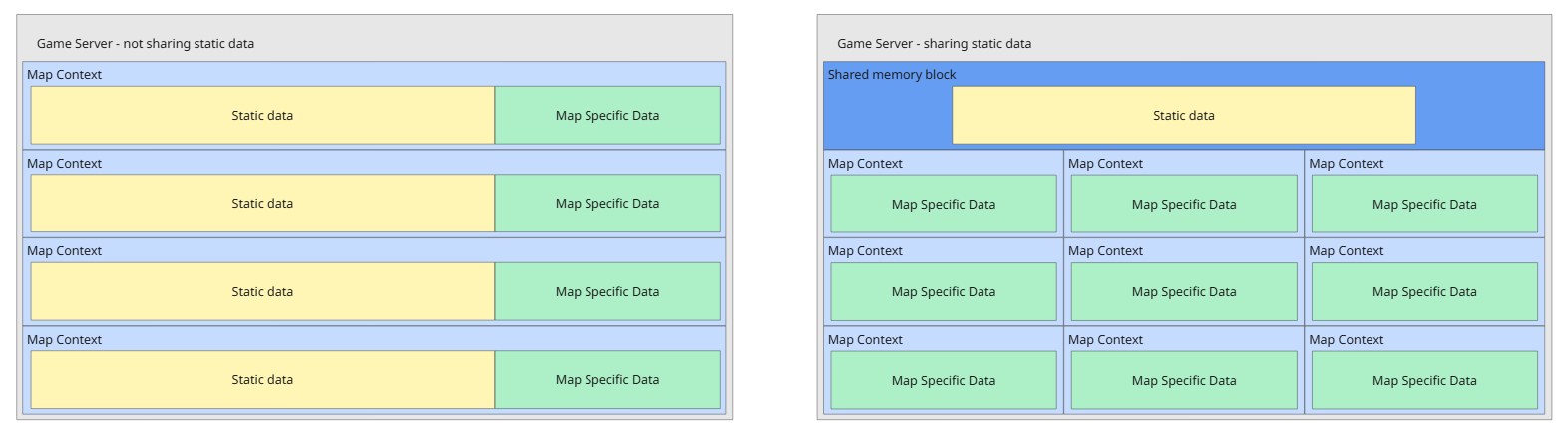
Every game needs data to know how to operate: which creatures spawn where, when dynamic events trigger, the geometry of the ground for collision detection, and so much more. A game server is able to create a number of map contexts, and each map context will claim some memory to hold all of its local information for use and updates.
In an effort to minimize our memory footprint and reduce duplication, our game servers will additionally create a section of shared static memory. Here, we can place any unchanging data and allow it to be read-only, shared among all map contexts. Most things tied to identifier tags, like items, achievements, creature types, etc., exist here and can be read by any map context, as it will always be the same information, regardless of which map is running.
Based on the memory corruption crashes we saw (or didn’t see), we could determine that the only way for this to occur was through an issue with shared memory. Our search space narrowed slightly more.
Try and Try Again
While we continued our investigations, we commandeered a planned team-wide internal playtest on Thursday to attempt to reproduce the crash on one of our development servers. The instructions were intentionally unclear: make a beta character, mash buttons, and submit a report if you crashed. There was no crash.
We couldn’t cause a crash.
Our development servers run slightly different code and configuration than our live servers do. On Friday, we came up with a plan to run another internal playtest on our staging clients, which is the closest mimic we have to the live environment.
Once again, we couldn’t cause a crash.
With fewer options available, we made the decision to enable the beta event in the live game again, intending to have our players cause a server crash.
The “Beta” Beta
At exactly noon Pacific Time, the beta event was turned back on. Our chat grew quiet for a few minutes as we all pondered what might happen next. We had made some additional preparations prior to reenabling the beta event by identifying specific tools and monitoring to try and provide the best opportunity to spot crashes and capture debug data. What we hadn’t specifically prepared for was how lucky we were about to get.
Just before the noon relaunch, we deployed a new build, fixing a bug involving some of the new player summons. The first stroke of luck was that a new build forced all of our game servers to create new shared memory buffers, which shuffled around all the memory allocations. At 12:11 p.m., our monitors reported the first crash. Our second stroke of luck came a moment later, when we received a full crash report from our internal diagnostics. The second-and-a-half stroke of luck was the nature of the crash, as provided by the crash-dump file. A piece of code was trying to delete a piece of deleted memory.
“Why are we double-deleting?” we asked ourselves. “Wait, why are we deleting from the read-only memory at all?”
First, we wanted to make sure this was the crash we were looking for and not a strangely timed coincidence. We passed the information from the crash-dump investigation to our QA team, and within fifteen minutes we were able to reproduce the bug. In the meantime, our team monitoring the live game had noted a few more crashes; some were sending crash reports, and others were triggering the memory-monitoring tools we had set up earlier. The reports all showed similar information about trying to read or delete a section of already-deleted memory. After one final discussion to confirm whether we’d gathered all we needed, we once again disabled the beta event.
Engineers Cause and Fix the Bug
The engineer profession’s newest elite specialization, the amalgam, introduced a flashy new profession mechanic called Morph and a new code path for how these skills are set and updated. This new behavior was what morphed our plans of a successful beta into a three-day tribulation.
The bug occurred due to a misunderstanding of a data structure using local map context memory, or the game server’s shared memory. When a single engineer player with the amalgam elite specialization equipped swapped out a Morph skill while its cooldown was active, the intent of the code was to store that skill change and the cooldown carryover relative to that particular player’s context. That change was made using a pointer that unknowingly referenced the shared memory. Thus, when we intended to delete a local reference to the previous skill, we were accidentally deleting the skill from the wider shared memory. The next time any player on that game server attempted to reference the now-deleted Morph skill, we would crash.
Fortunately for us, we wrote this data structure and its helper functions, so technically the fix was a one-liner.
At 12:53 p.m., we submitted this fix to our development branch and began our processes for bug testing, regression testing, and promoting the change to our staging and eventually live builds.
Personally, I am still impressed with how quickly we are able to ship changes. It’s due in part to our wizardly Engineering team, and “E,” who actually fixed this particular bug. However, our build pipeline also has a few tricks up its sleeve to help us keep things moving along quickly. For most Tuesday releases, we need to run a full build that includes all of our code and content. However, for a change with only one piece of server code, we can perform a fast build. This is a much more minimal and selective build that takes very little time to complete, allowing us to get it out the door quickly.
The “Gamma” Beta
Just a few hours later, with the fix deployed to the live game, we enabled the beta event once again. Our Engineering team members and QA logged in to create amalgam characters and verify the fix. To our relief, there were no further crashes from the verification.
Our team continued to monitor, using all the same tools as we had earlier in the day, and it appeared that the fix had worked. We were pleased to finally deliver the experience of these new elite specializations to our players with all the new skills and mechanics working as expected.
In Closing
After the incident, and after the beta event closed a week later, the team came together once again to recap, iterate, and plan. Is it possible to catch issues such as this internally and earlier in the process? Is there a new tool or procedure that can help mitigate these types of problems? If we were to see a repeat of this issue, what would we handle differently? How could we recover to a nominal player state faster?
I’m going to morph the closing I wrote for a different post back in 2020:
Our continued efforts are always targeted at providing our players with the best experience and usability of our services. We love to celebrate the designs architected by those before us and the tools and processes we utilize to retain our world-class server standards and in-game mechanics and events. We recognize that we may not achieve perfection, but we will certainly strive for it with every future procedure and deployment. As we look forward to the exciting new features and projects the gameplay and design teams are bringing to you, we are constantly working behind the scenes to make sure that you can always experience and enjoy all that Guild Wars 2 has to offer.








 I Am Jako